
How to Keep Your Devices Safe While Traveling Through U.S. Airports

Traveling with phones, tablets, and laptops can introduce small risks in busy airport environments, where crowds, security checks, and public charging stations create opportunities for mishaps. A few simple habits can help protect personal information and keep devices in good condition during each stage of the journey. Smart packing, secure connections, and awareness of surroundings support safer travel. With a little preparation, devices stay ready for use from check-in to boarding.
Use Protective Cases and Sleeves

Protective cases and padded sleeves keep devices safe from bumps, drops, and shifting luggage during long airport waits. Hard shell covers help shield screens from pressure when stored in bags. Lightweight sleeves add cushioning without extra bulk, making them easy to carry. These simple layers reduce the risk of accidental damage while navigating busy terminals and crowded queues.
Keep Devices in Personal Bags

Personal bags offer better visibility and control than carry ons stored overhead or checked luggage. Keeping devices close helps reduce the chance of misplacement, especially during security checks. Smaller bags also limit unnecessary handling that can lead to scratches or drops. This approach maintains consistent protection throughout each section of the airport.
Avoid Public USB Charging Ports
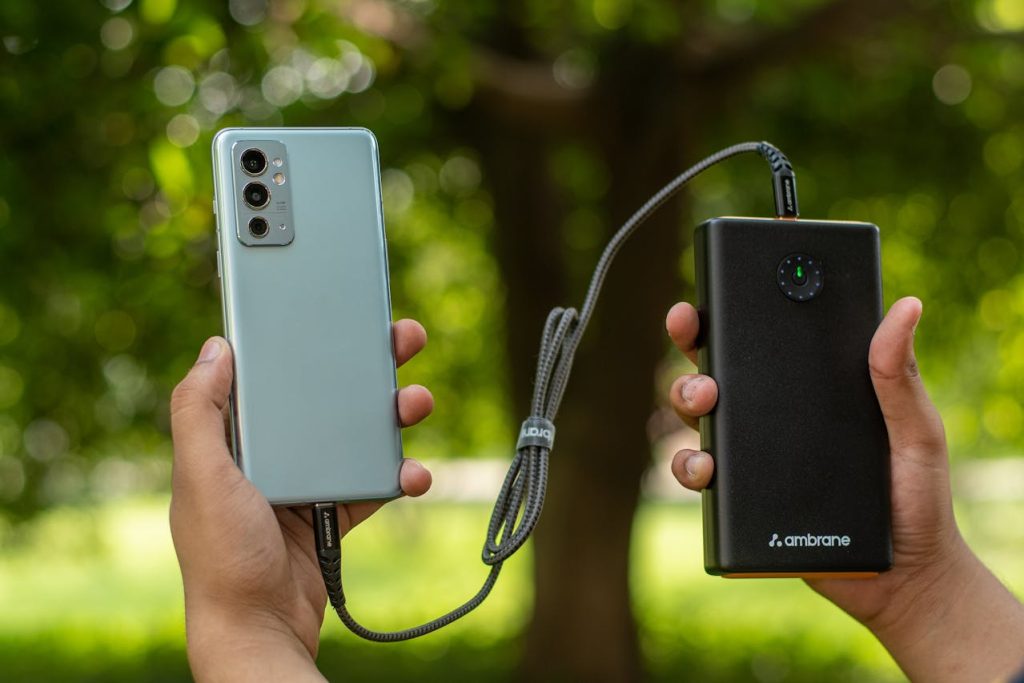
Public USB ports can carry security risks because they allow data transfer along with power. Charging through a personal wall adapter or portable battery pack prevents unwanted access. Using only trusted power sources also reduces the chance of damage from faulty outlets. This simple strategy keeps devices powered while preserving security.
Use a Full Battery Before Entering Security
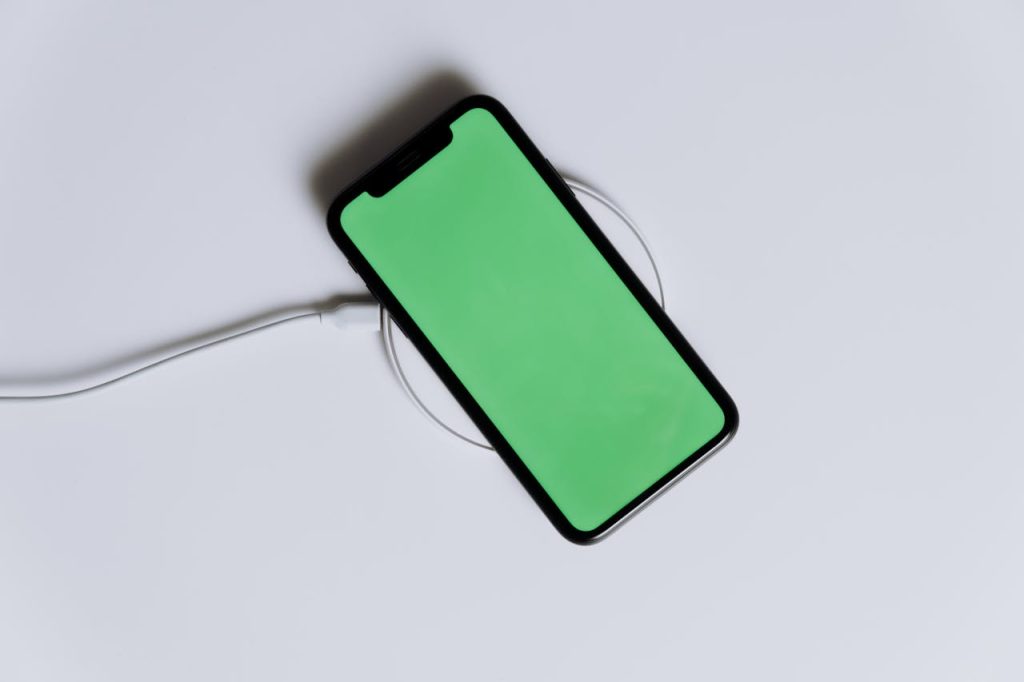
A fully charged device helps avoid the need for unplanned charging stops and reduces stress during unexpected delays. Security lines move smoother when devices stay powered on for screening. A strong battery also ensures access to tickets and travel updates without interruption. Preparing ahead of time supports a more relaxed airport experience.
Turn Off Bluetooth and Unused Connections
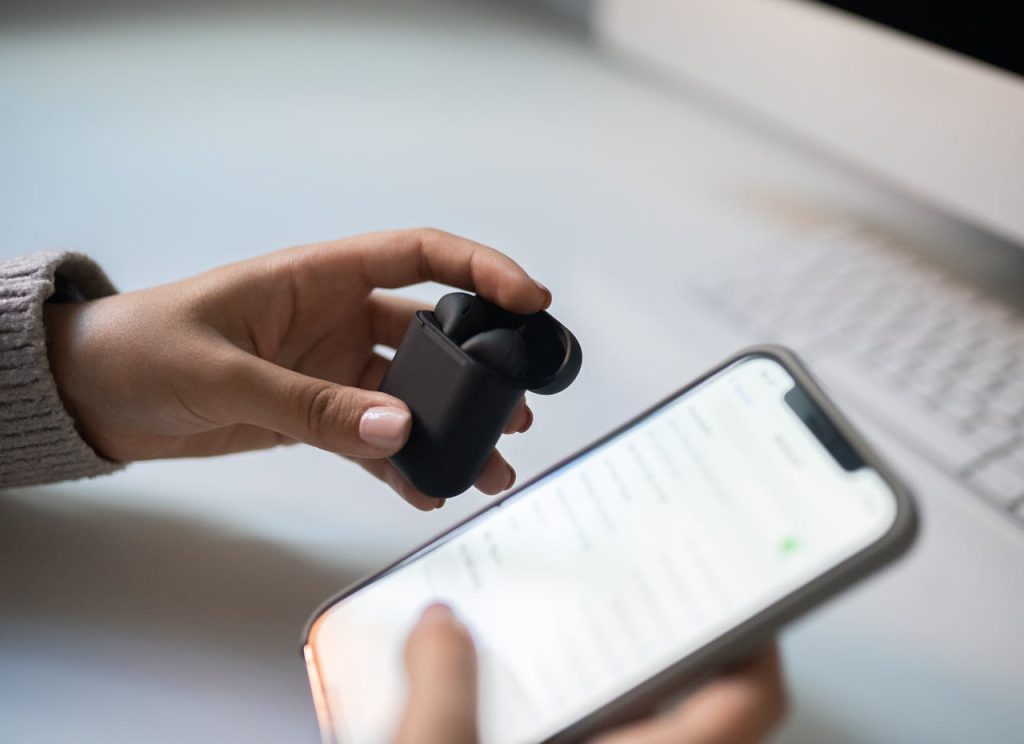
Bluetooth and other wireless features can attract unwanted signals in crowded spaces. Turning them off reduces exposure to nearby devices and helps conserve battery. Keeping only essential connections active ensures better control over privacy and performance. This small adjustment keeps devices more secure while navigating terminals.
Keep a Close Eye During Security Checks

Security checkpoints require removing devices from bags, which creates brief moments of separation. Watching bins carefully and collecting items promptly minimizes the chance of mix-ups. Placing devices in the first bins helps maintain a clear view as they move through scanners. A little awareness keeps belongings within reach and reduces risk.
Use Strong Passwords and Lock Screens

Strong passwords and active lock screens create a solid defense if a device is misplaced. Short delays at checkpoints or boarding areas can leave items momentarily unattended, making quick access controls essential. Multi-layer security helps protect personal data even if a device leaves the owner’s hands. These features provide reliable digital protection during every stage of travel.